Image Information
Command to get detailed information of an Image file.

This will be a short blog covering a couple commands that help identify the characteristics of an image file. I am using the open source tool Image Magick to extract information of an image file.
The first command gives us a brief summary of the image file, we then add the -verbose option to it to print detailed information about the image.
Details include color data, format information, pixel count, encode quality, chromaticity information etc.
the Identify command helps us get a brief summary of an image file -
magick identify beach-water.jpg
# Response
beach-water.jpg JPEG 1920x1280 1920x1280+0+0 8-bit sRGB 742692B 0.000u 0:00.001
add -verbose to the above command to get detailed information for the same image -
magick identify -verbose beach-water.jpg
# Response
Image:
  Filename: beach-water.jpg
  Permissions: rw-r--r--
  Format: JPEG (Joint Photographic Experts Group JFIF format)
  Mime type: image/jpeg
  Class: DirectClass
  Geometry: 1920x1280+0+0
  Units: Undefined
  Colorspace: sRGB
  Type: TrueColor
  Base type: Undefined
  Endianness: Undefined
  Depth: 8-bit
  Channels: 3.0
  Channel depth:
    Red: 8-bit
    Green: 8-bit
    Blue: 8-bit
  Channel statistics:
    Pixels: 2457600
    Red:
      min: 0  (0)
      max: 255 (1)
      mean: 147.943 (0.580169)
      median: 205 (0.803922)
      standard deviation: 97.407 (0.381988)
      kurtosis: -1.46581
      skewness: -0.518676
      entropy: 0.839009
    Green:
      min: 0  (0)
      max: 255 (1)
      mean: 180.35 (0.707255)
      median: 205 (0.803922)
      standard deviation: 55.3758 (0.21716)
      kurtosis: -0.282359
      skewness: -0.951444
      entropy: 0.902978
    Blue:
      min: 0  (0)
      max: 255 (1)
      mean: 190.525 (0.747157)
      median: 204 (0.8)
      standard deviation: 39.0147 (0.152999)
      kurtosis: 3.90787
      skewness: -1.5826
      entropy: 0.862709
  Image statistics:
    Overall:
      min: 0  (0)
      max: 255 (1)
      mean: 172.939 (0.678194)
      median: 204.667 (0.802614)
      standard deviation: 63.9325 (0.250716)
      kurtosis: 0.719899
      skewness: -1.01757
      entropy: 0.868232
  Rendering intent: Perceptual
  Gamma: 0.454545
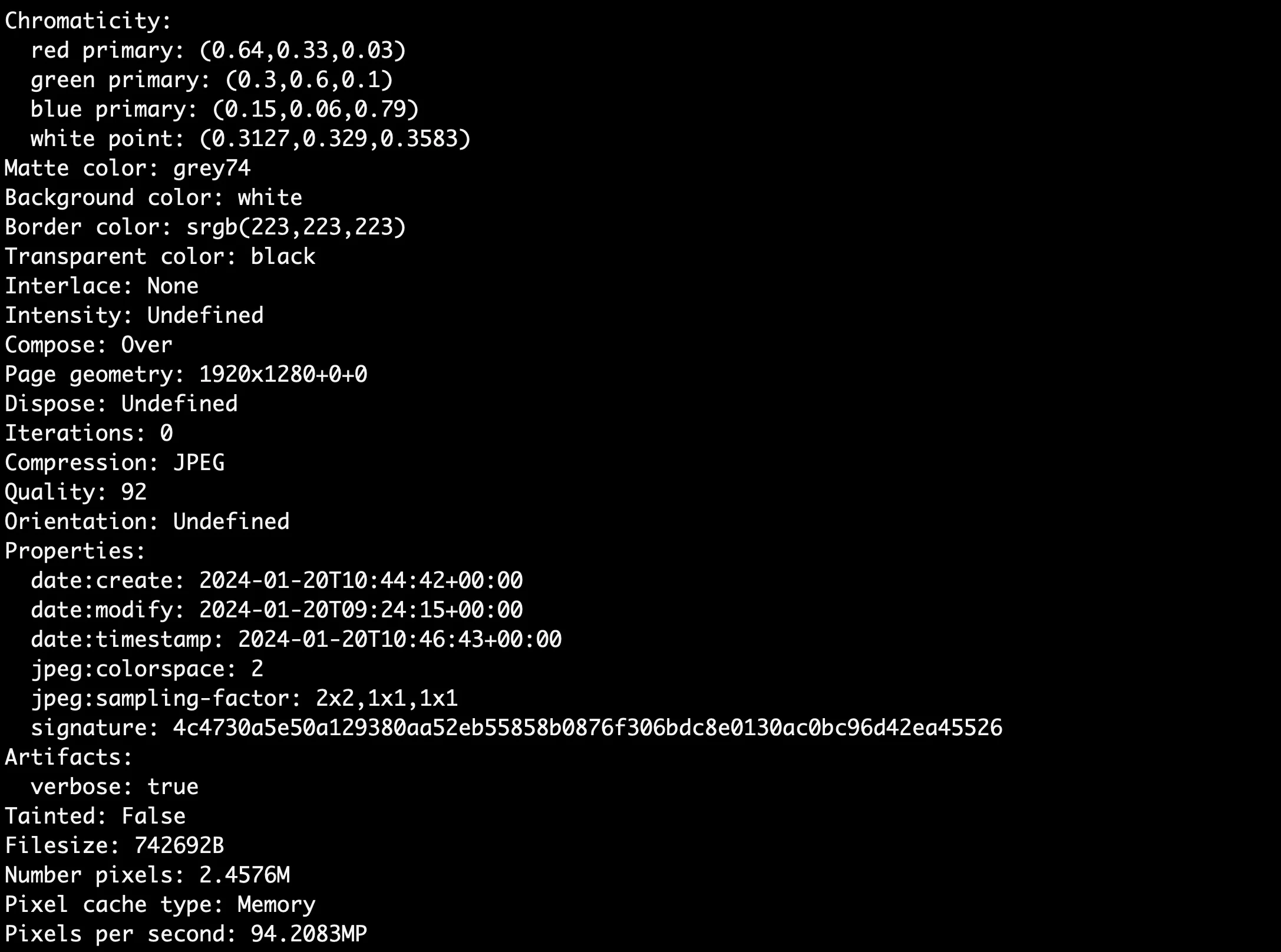
  Chromaticity:
    red primary: (0.64,0.33,0.03)
    green primary: (0.3,0.6,0.1)
    blue primary: (0.15,0.06,0.79)
    white point: (0.3127,0.329,0.3583)
  Matte color: grey74
  Background color: white
  Border color: srgb(223,223,223)
  Transparent color: black
  Interlace: None
  Intensity: Undefined
  Compose: Over
  Page geometry: 1920x1280+0+0
  Dispose: Undefined
  Iterations: 0
  Compression: JPEG
  Quality: 92
  Orientation: Undefined
  Properties:
    date:create: 2024-01-20T10:44:42+00:00
    date:modify: 2024-01-20T09:24:15+00:00
    date:timestamp: 2024-01-20T10:46:43+00:00
    jpeg:colorspace: 2
    jpeg:sampling-factor: 2x2,1x1,1x1
    signature: 4c4730a5e50a129380aa52eb55858b0876f306bdc8e0130ac0bc96d42ea45526
  Artifacts:
    verbose: true
  Tainted: False
  Filesize: 742692B
  Number pixels: 2.4576M
  Pixel cache type: Memory
  Pixels per second: 94.2083MP
  Time-to-live: 0:0:0:0  2024-01-20T10:46:43Z
  User time: 0.020u
  Elapsed time: 0:01.026
  Version: ImageMagick 7.1.1-26 Q16-HDRI aarch64 21914 https://imagemagick.org
Please refer the Image Magick documentation for more details on these CLI tools - https://imagemagick.org/script/identify.php